17. spColumn - Model Creation with Templates
Utilizing Templates is a quick and simple option for new models in spColumn. The user can select from a set of pre-defined templates and edit their properties for simple and quick model generation.
Each template focuses on a particular structural shape with a specific reinforcement pattern consistent with the shape. The user can edit the geometric dimensions of the shape and the bars' properties. Other shape-specific options may also be available for some templates. This modeling option is provided in spColumn Pro v11.00 and later. Contact StructurePoint for support in modeling with templates.
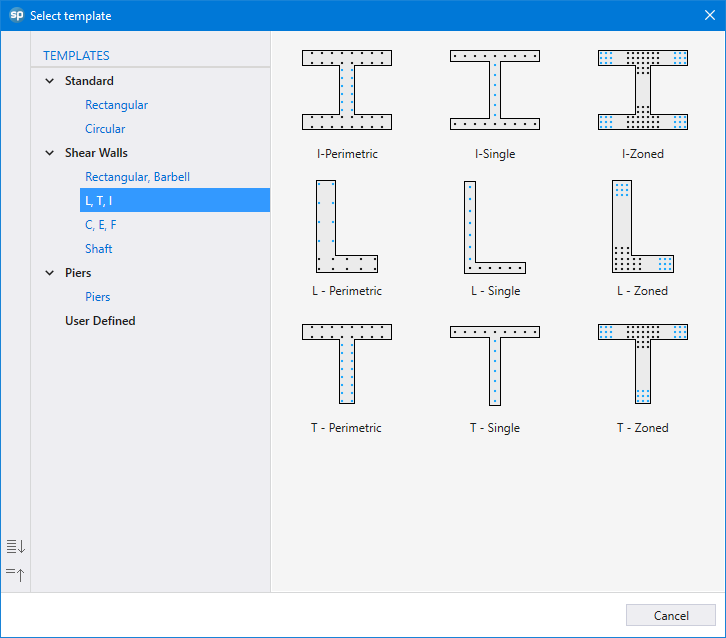
Figure 17 - spColumn Pro v11.00 Templates
The user can utilize the templates module to save time and eliminate errors associated with the creation of complex wall section geometry and/or reinforcement configurations as demonstrated in this example. “I-Zoned” template from “Shear Walls” module is used to create special structural (shear) wall covered in this example, the section then is imported to spColumn model editor to refine the reinforcement configuration for fine-tuning reinforcement bar locations.
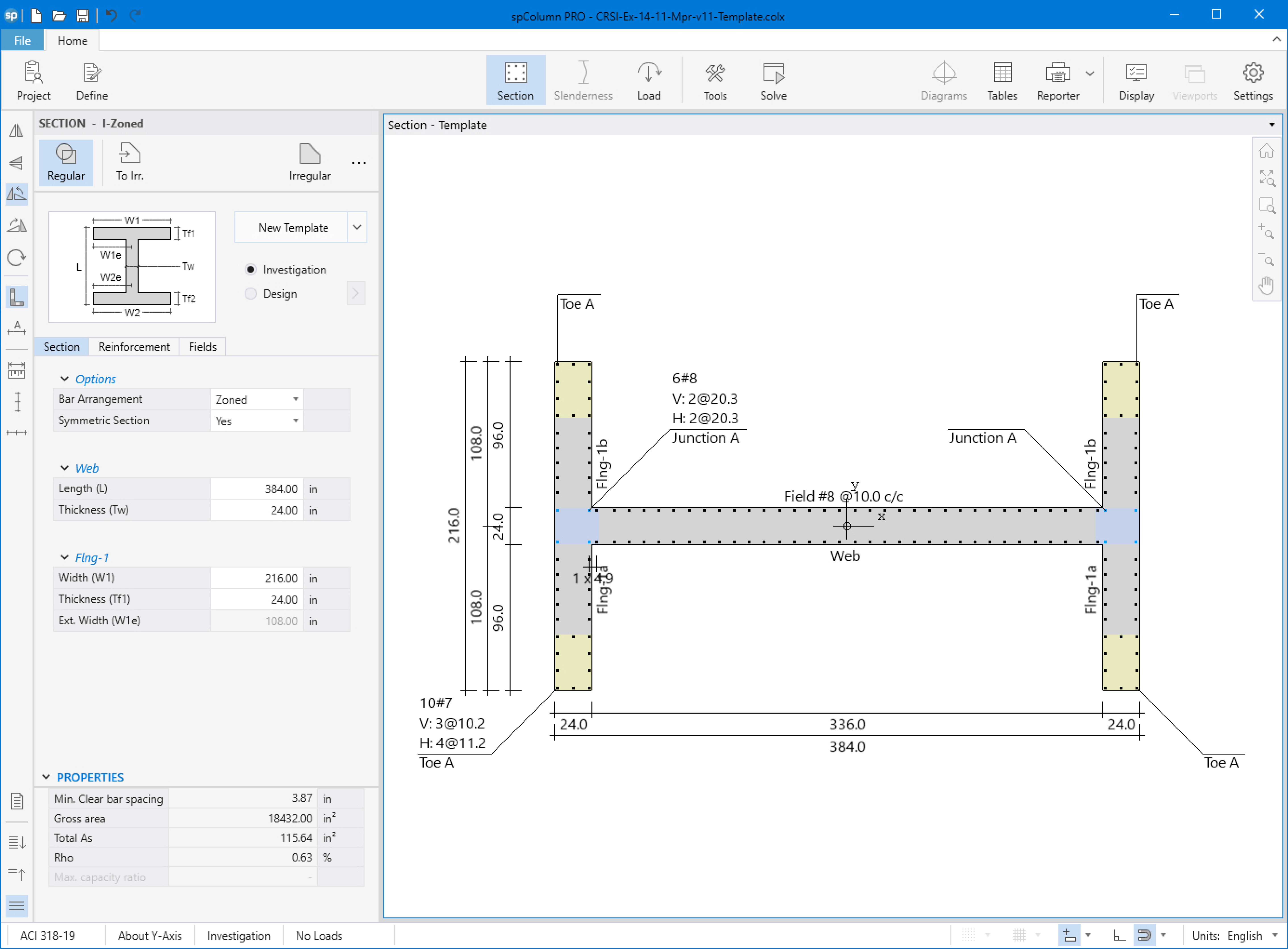
Figure 18 - spColumn v11.00 Pro Templates Editor
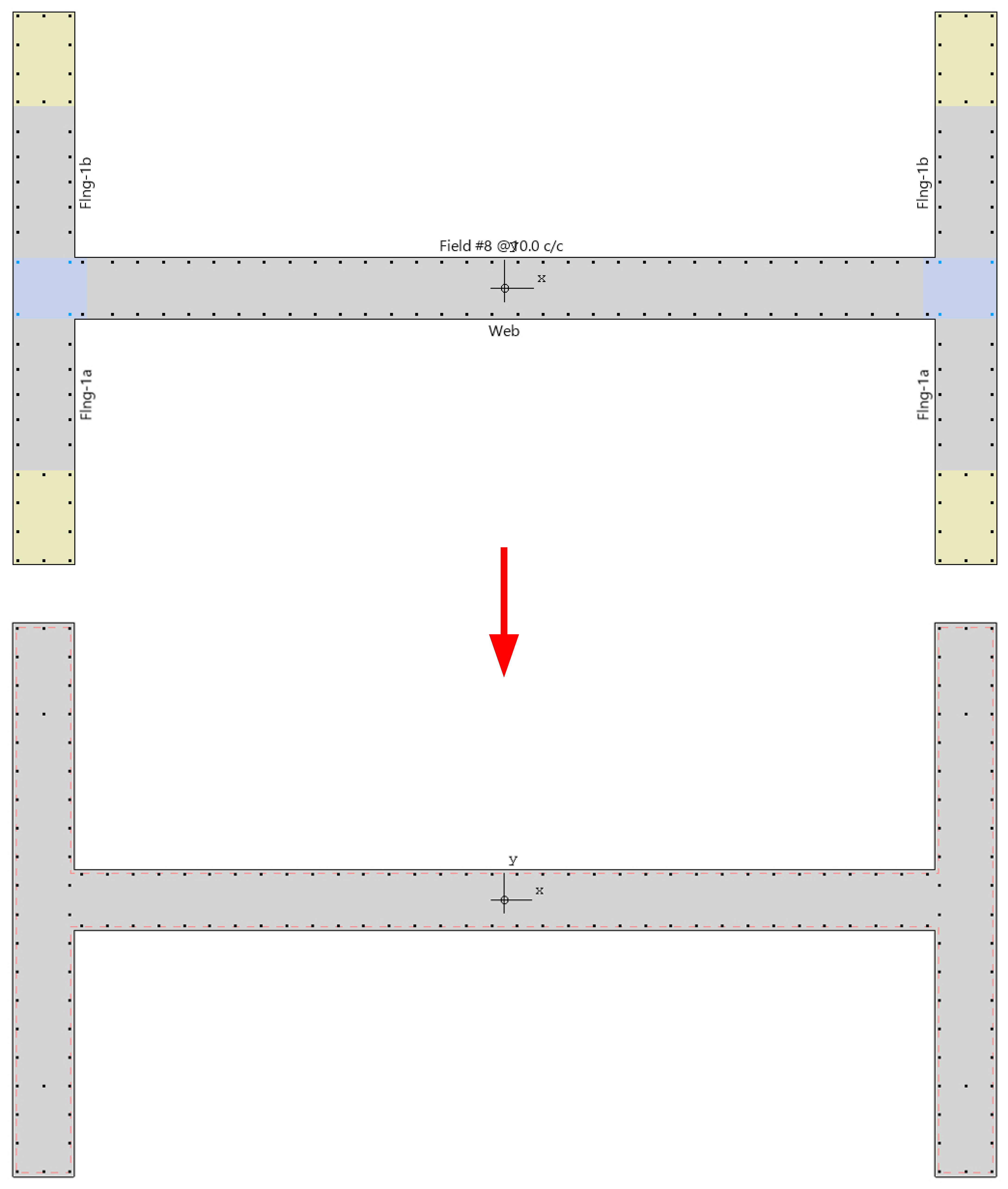
Figure 19 - Fine-Tuning Reinforcement Bar Locations - spColumn v11.00 Pro